

How to Deposit and Withdraw Money on BC Game in India

- BC Game Deposit Methods for Indian Players
- BC Game Minimum Deposit, Limits and Deposit Time
- BC Game Deposit Problem: What to Do If Money Is Not Received
- BC Game Withdrawal Methods and Processing Time
- How to Withdraw Money from BC Game
- BC Game Withdrawal Problem and Common Solutions
- BC Game Deposit Bonus and No Deposit Bonus Rules
- BC Game Support for Deposit and Withdrawal Issues
BC Game Deposit Methods for Indian Players
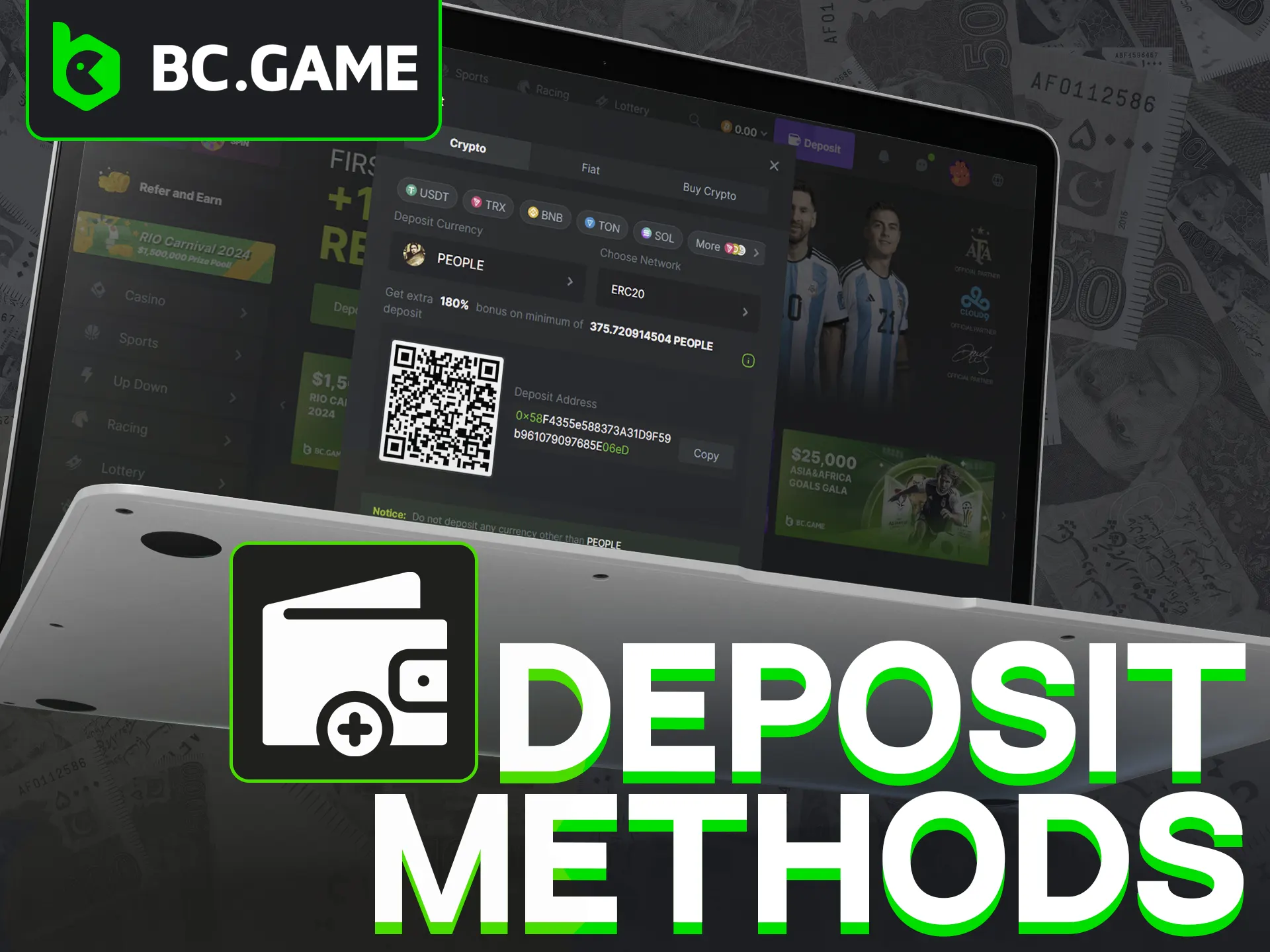
The list of BC Game deposit methods usually spans a few categories, and which ones show up for you can depend on your region and account. Rather than treat any single option as guaranteed, it helps to think in groups.
| Category | Examples you might see | Worth knowing |
| Fiat / local payments | Local transfer options for INR | Availability changes by region; confirm in your account |
| Cards | Visa, Mastercard | May involve provider checks or fees |
| E-wallets / UPI | UPI, PhonePe, Paytm | Popular locally; verify they’re live for your account |
| Crypto | Bitcoin, Ethereum, and other coins | Network speed and fees vary by coin |
Treat that table as a starting point, not a promise. Don’t assume every method is always available, and don’t assume any of them is fee-free. Card and e-wallet options can carry provider charges, and crypto fees shift with network traffic. The honest move is to open the Wallet, see which methods are active for your account, and read the small print attached to each before you commit.
BC Game Minimum Deposit, Limits and Deposit Time
A lot of people search for the BC Game minimum deposit and expect one fixed number. There isn’t one. The figure can change with the payment method you pick, the currency you use, and your account conditions, so the only reliable place to read it is the Wallet itself at the moment you deposit.
Deposit limits work the same way. Minimums and maximums can ride on the payment provider, your currency, account level, region, and whether your account is verified. Be wary of anyone stating “no maximum limit” as a flat fact, because that depends on the same variables.
BC Game deposit time also isn’t a single figure. Crypto deposits often clear once the network confirms them, which can be quick or slow depending on congestion. Card and local payment methods depend on the provider’s own processing. So the realistic answer is that timing varies, and a confirmation on one method tells you nothing about another.
How to Deposit Money on BC Game
Funding an account isn’t complicated once you know where to look. The Deposit area sits inside your Wallet. From there you choose a method, enter an amount, and confirm. Before you do, glance at the limits, any fees, the currency, and the expected processing time for that specific method, since those four things decide how the transfer behaves.
Step-by-Step BC Game Deposit Guide
Here’s how to deposit on BC Game from start to finish:
- Log in. Sign in to your account on the official site.
- Open the Wallet. Find the Wallet area and select Deposit.
- Pick a method. Choose the payment option you want from the ones active for your account.
- Enter the amount. Type the sum you plan to add, keeping any minimum in mind.
- Check fees and currency. Confirm the currency and review any charge before you proceed.
- Confirm the transaction. Approve it through your provider or wallet.
- Save proof. Keep the transaction ID or hash and a screenshot.
- Check the status. Watch for the balance to update, and remember the wait differs by method.
That sequence covers how to deposit money on BC Game for most options. The detail people skip is step seven. Saving proof costs nothing and matters a lot if something goes wrong later. And don’t expect to be notified instantly on every method, because some confirmations take time.
BC Game Deposit Problem: What to Do If Money Is Not Received
A BC Game deposit problem usually traces back to a handful of causes. Knowing them turns panic into a checklist. The money might be stuck on the provider’s side waiting for confirmation. A crypto transfer could be delayed by network congestion. You may have entered the wrong details, used the wrong currency or network, hit a limit, or had the payment fail outright. Sometimes account verification or a bonus condition holds things up.
If your BC Game deposit is not received, work through this in order:
- Check the payment status with your bank, card issuer, or wallet first.
- For crypto, look up the transaction on a block explorer using your hash to see how many confirmations it has.
- Confirm the details matched the deposit address, network, and currency exactly.
- Verify your account if a KYC step is pending.
- Review any limit you might have crossed.
- Contact support with your proof if the funds still haven’t landed after the expected window.
Most cases resolve once the provider or network finishes its job. The few that don’t are exactly why you kept that transaction ID.
BC Game Withdrawal Methods and Processing Time
Cashing out follows similar logic. BC Game withdrawal methods often mirror the deposit side, with crypto and certain local options available depending on your account. A BC Game fiat withdrawal may run on different rails than a crypto one, so the experience isn’t identical across methods.
BC Game withdrawal time depends on several moving parts: the payment method, your verification status, the crypto network if you’re using one, any internal review, and the provider’s own processing speed. Don’t count on every withdrawal finishing within minutes, and don’t assume all methods are no-fee. The table below shows what tends to move the needle.
| Factor | How it can affect your withdrawal |
| Payment method | Crypto and fiat routes process differently |
| Verification (KYC) | An unverified account can delay or block a payout |
| Network conditions | Crypto confirmations slow down when networks are busy |
| Internal review | Larger or flagged withdrawals may get checked |
| Bonus terms | Unmet wagering can hold funds back |
| Withdrawal limit | Amounts above a cap may need to be split or reviewed |
How to Withdraw Money from BC Game
The path runs through your Wallet again, this time the Withdrawal section. You pick a method, enter the destination details, set the amount, confirm, and then wait for processing. Before you submit, run a few checks, because a withdrawal is harder to undo than a deposit.
Step-by-Step BC Game Withdrawal Guide
- Open the Wallet and select Withdrawal.
- Choose a method from the options available to your account.
- Enter the details. Add the bank or wallet address carefully, double-checking the network for crypto.
- Set the amount. Make sure it sits within the minimum and any limit.
- Review the requirements. Confirm you’ve met wagering and bonus terms, and that KYC is done.
- Confirm and submit. Approve the request.
- Wait for processing. Times vary by method and review.
A quick warning before you hit submit. Check the BC Game minimum withdrawal, the withdrawal limit, any wagering requirements, bonus restrictions, KYC or account checks, and that every detail is correct. One wrong character in a wallet address can send funds nowhere good, and crypto transfers generally can’t be reversed.
BC Game Withdrawal Problem and Common Solutions
A BC Game withdrawal problem tends to come from the same short list of reasons. Wrong bank or wallet details. A payout still pending with the provider. A crypto network delay. Hitting a withdrawal limit. A KYC review in progress. Bonus wagering that isn’t finished. Or an automated check on unusual activity. Account restrictions can play a part too.
One specific worry comes up a lot: a BC Game withdrawal successful but not received. If the platform shows it as sent but the money isn’t in your account, here’s the BC Game withdrawal problem solution to work through:
- For crypto, paste the transaction hash into a block explorer to see whether it’s confirmed and where it went.
- For fiat, allow for the provider’s clearing time, which can run longer than the platform’s own step.
- Recheck the destination details you entered.
- Confirm there’s no pending KYC or open bonus condition.
- Gather your proof and reach out to support if the wait clearly exceeds the expected window.
Following the BC Game withdrawal rules up front, especially around limits and verification, prevents most of these before they start.
BC Game Deposit Bonus and No Deposit Bonus Rules
Bonuses sit a little apart from the mechanics of moving money, but they affect withdrawals, so they’re worth a short, honest section. A BC Game deposit bonus rewards you for funding your account, and a BC Game first deposit bonus is the version tied to your very first top-up. A BC Game no deposit bonus is different: it’s credited without a deposit, and you’ll see it discussed alongside terms like a BC Game bonus code no deposit, BC Game casino no deposit bonus codes, or free spins.
The catch with all of them is the conditions. Most carry wagering requirements, eligible-game rules, and caps on what you can cash out, and a BC Game bonus withdrawal usually can’t happen until you’ve met those. Bonus availability changes by account, region, promotion, and the current terms, so a code that worked for someone else may not apply to you. Read the specific terms attached to any offer before you count on it, and never treat a bonus as guaranteed money.
BC Game Support for Deposit and Withdrawal Issues
If a transfer goes sideways, support is there for exactly that, but you’ll get a faster answer if you arrive prepared. Before you reach out about a deposit or withdrawal, gather the details that let them trace it.
Have these ready:
- Transaction ID or hash
- Payment proof or screenshots
- The amount and currency
- The date and time
- The payment method used
- Your account email or ID
Stick to the official support channels listed on the platform. Be cautious with random Telegram groups or social media accounts claiming to be BC Game, since impostors target people chasing stuck payments. Save your transaction proof before you contact anyone, and share sensitive details only through verified official routes.
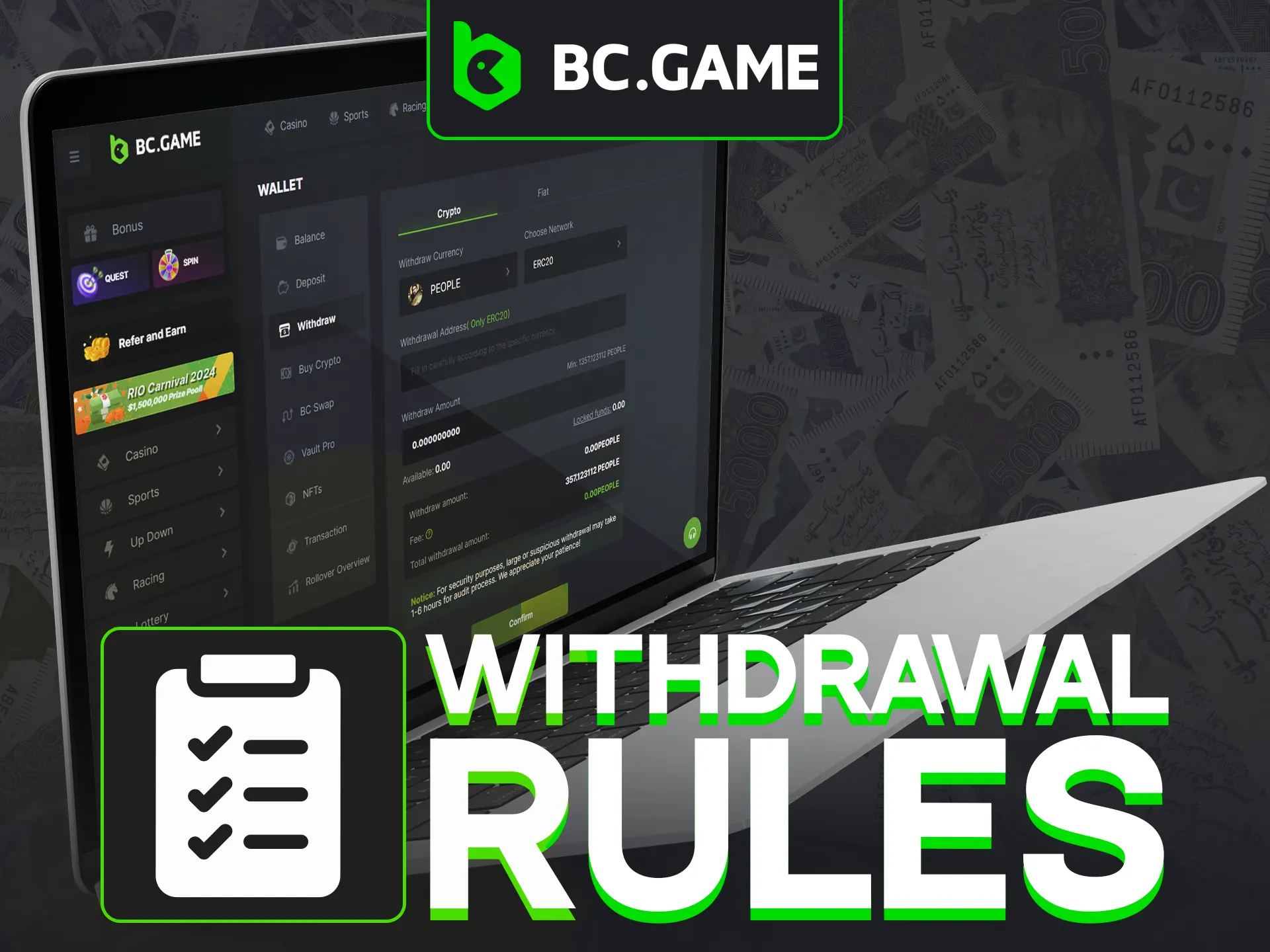
FAQ
What is the BC Game minimum deposit?
The BC Game minimum deposit can depend on the payment method you choose, the currency, and your account conditions, so there’s no single universal figure. Check the current amount in your Wallet before depositing, since it’s the only place that reflects what applies to your account right now.
What are the main BC Game deposit methods?
The main BC Game deposit methods generally fall into local/fiat payments, cards, e-wallets like UPI, and crypto, where available. The exact list can differ by region and account, so confirm which options are active for you before relying on any one of them.
How long does a BC Game deposit take?
BC Game deposit time varies with the payment method, the provider, the crypto network, and verification. Crypto often clears once the network confirms it, while card and local methods follow their provider’s processing. Treat timing as a range, not a fixed promise.
How do I deposit money on BC Game?
For how to deposit on BC Game: log in, open your Wallet, choose Deposit, select a method, enter the amount, confirm the transaction, and save your transaction proof. That’s the core of how to deposit money on BC Game, with the wait depending on the method.
What is the BC Game minimum withdrawal?
The BC Game minimum withdrawal can change with the method, currency, and your account, so there’s no fixed number that fits every case. Check the current minimum in the withdrawal section before you submit a request.
What is the BC Game withdrawal limit?
A BC Game withdrawal limit may depend on the payment method, your account level, verification, bonus terms, and currency. Because several factors feed into it, confirm the limit that applies to your account in the Wallet rather than assuming a set cap.